Free Browser Battle Royale Games: Play Instantly, No Download
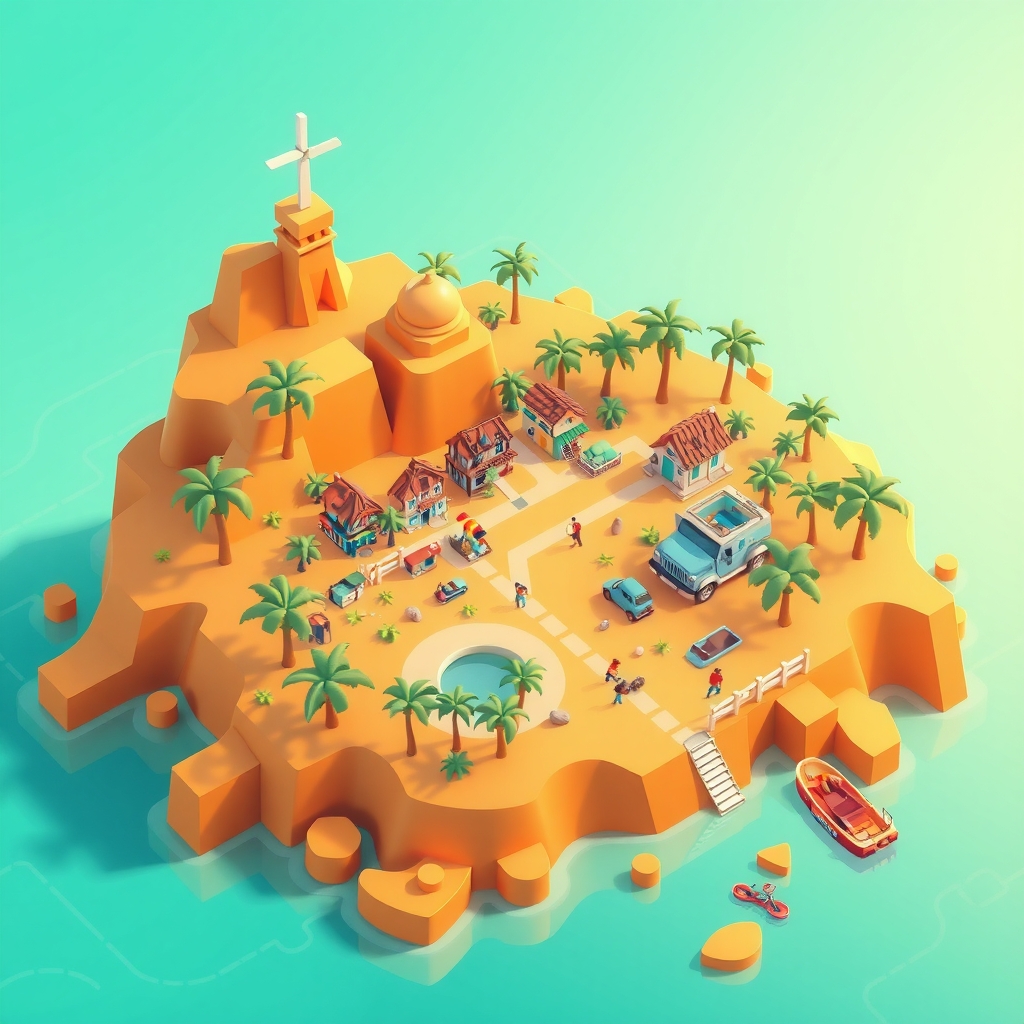
In short: Free browser battle royale games offer instant play without downloads. Find the best games and learn how to play with our comprehensive guide.
No download, no sign-up – jump straight into a match.Play now →
- Instant play without downloads
- Multiplayer and solo modes available
- Variety of game styles and mechanics
What Are Free Browser Battle Royale Games and How Do They Work?
Free browser battle royale games are multiplayer online games that can be played directly in a web browser without the need for downloads or installations, offering instant access to competitive gameplay. These games typically feature last-player-standing mechanics, where players compete to be the last one remaining on the map. Some examples of verified browser battle royale games include:
- Zombs Royale, a 2D battle royale game with 100-player matches that combines building and shooting mechanics source
- Voxiom.io, a Minecraft-style battle royale game with building mechanics source
- LOL Beans, a party-style battle royale game with obstacle course elimination source
- Slither.io, a snake-based survival game where hundreds of players compete to become the longest source
- Smash Karts, a kart racing game with weapons and chaotic multiplayer elimination source
- Krunker.io, a pixelated FPS game with competitive modes suited for battle royale play source
- Shell Shockers, an egg-based FPS game with fast-paced multiplayer battles source
- Deadshot.io, a competitive FPS game with instant matchmaking source
- EvoWars.io, a warrior evolution game where players defeat opponents to evolve source
- Bonk.io, a physics-based multiplayer game with battle royale mode source These games are designed to be accessible and easy to play, with simple controls and intuitive gameplay mechanics. For example, Valorant is a 5v5 multiplayer tactical shooter game, but it requires installation and is not a browser game. In contrast, browser battle royale games like Zombs Royale and Voxiom.io can be played instantly in a browser, without the need for downloads or installations. According to Fortnite, it remains the most successful video game in the battle royale category, but it is not a browser game. Overall, free browser battle royale games offer a convenient and accessible way to enjoy competitive multiplayer gameplay without the need for downloads or installations.
How to Play Battle Royale in Browser: Step-by-Step Setup
Getting started with browser battle royale games is straightforward and quick, allowing players to jump into action within minutes. To begin, players need to navigate to the game's website, such as Zombs Royale or Krunker.io, and click on the "Play" button to enter the game lobby. Here are the steps to follow:
- Open a web browser and go to the game's website
- Click on the "Play" button to enter the game lobby
- Select the game mode, such as solo, duo, or squad
- Choose your input method, such as keyboard and mouse or touch controls
- Enter the matchmaking queue and wait for the game to start For more information on how to play battle royale games in a browser, check out our article on How to Play Battle Royale Browser Games. Some games, like Shell Shockers, offer instant matchmaking with fast-paced multiplayer battles. By following these steps, players can quickly and easily start playing browser battle royale games and enjoy the excitement of competitive multiplayer action.
Best Browser Battle Royale Games No Download: Ranked Comparison
The best free browser battle royale games offer a unique blend of accessibility and competitive gameplay, with top titles like Zombs Royale and Krunker.io leading the pack. To determine the top games, we considered factors such as match structure, player count, and mechanical depth. Here is a ranked comparison of the top browser battle royale games:
| Rank | Game | Core Mechanic | Match Format |
|---|---|---|---|
| 1 | Zombs Royale | 2D building + shooting | 100-player matches |
| 2 | Krunker.io | Pixelated FPS combat | Competitive modes |
| 3 | Voxiom.io | Minecraft-style building + battle royale | Block-based scavenging |
| For example, Zombs Royale features a unique blend of building and shooting mechanics, while Krunker.io offers fast-paced FPS combat. | |||
| According to Apex Legends, it is one of the most popular free battle royale games, but it requires installation and is not a browser game. | |||
| Overall, the top browser battle royale games offer a fun and competitive experience that can be played instantly in a browser, without the need for downloads or installations. |
Battle Royale IO Games No Download: Mechanics and Match Flow
Browser-based battle royale games simplify the genre's core mechanics to fit instant-play formats, focusing on streamlined match flow and accessible gameplay. The match flow in these games typically involves a brief lobby phase, followed by a drop or spawn into the game world, and then a scramble for resources and survival. Here's a breakdown of the typical match phases:
- Lobby: 5-30 seconds, where players are matched with others and can select their game mode
- Drop/Spawn: 3-10 seconds, where players enter the game world and start scavenging for resources
- Early game: 30-90 seconds, where players focus on gathering resources and establishing a strong position
- Mid-game: 2-8 minutes, where the play area shrinks and players are forced to encounter each other
- Endgame: 1-3 minutes, where the last few players remaining compete for the win For example, Shell Shockers features fast-paced multiplayer battles with egg-based characters, while Voxiom.io offers a Minecraft-style building mechanic. According to Slither.io, it is a popular browser-based battle royale game with a unique snake-based gameplay mechanic.
Browser Battle Royale Games 3D vs 2D: Performance and Style Differences
The choice between 3D and 2D browser battle royales significantly impacts gameplay experience, with 3D titles like Krunker.io and Voxiom.io offering immersive environments and 2D games like Zombs Royale and Slither.io providing accessible, low-data gameplay. To play 3D browser battle royales smoothly, ensure your device meets the minimum requirements, such as WebGL 2.0 support and at least 4GB of RAM. Here are some key differences between 3D and 2D browser battle royales:
- Graphics and Performance: 3D games require more powerful hardware and consume more data, while 2D games are generally more accessible on low-end devices.
- Gameplay Mechanics: 3D games often feature more complex mechanics, such as building and shooting, while 2D games focus on simple, intuitive controls. For more information on optimizing browser game performance, check out our article on How to Play 3D Games Without Downloading. Examples of 3D browser battle royales include Krunker.io, which features pixelated FPS combat, and Voxiom.io, which offers Minecraft-style building mechanics source.
Our Own Game: LudoSnake – 3D Low-Poly Battle Royale
Our own game, LudoSnake, is a free 3D low-poly battle royale game that runs instantly in your browser, with no downloads or logins required. It features a unique blend of exploration, strategy, and action, with up to 40 players competing in each match. Here are some key features:
- Match format: Up to 40 players, last one standing wins
- Gameplay mechanics: Explore, scavenge, and fight to be the last one standing
- Controls: Simple and intuitive, with keyboard and mouse or touch controls For more information and to play LudoSnake, visit https://www.ludosnake.xyz.
Controls, Cross-Device Play, and Low-End Performance Tips
Optimizing browser battle royale gameplay across devices requires attention to control schemes, performance settings, and network conditions to ensure a seamless experience. To achieve this, consider the following steps:
- Adjust browser settings: Disable animations and enable performance mode in browser settings to reduce lag and improve frame rates.
- Optimize device settings: Close unnecessary apps, update browser and device software, and ensure a stable internet connection.
Examples of optimized control schemes include:
Game Control Scheme Krunker.io Keyboard and mouse with customizable bindings Zombs Royale Touch controls with virtual joystick and tap-to-shoot For more information on optimizing browser game performance, check out our article on How to Play 3D Games Without Downloading. According to Shell Shockers, it features fast-paced multiplayer battles with egg-based characters, and optimizing device settings can improve gameplay experience.
Progression Systems: Cosmetics, Leaderboards, and Season Rewards
Free browser battle royale games retain players through progression systems that offer rewards and recognition for their skills and dedication. To progress through these systems, players typically earn experience points, coins, or other currencies by completing matches, achieving certain milestones, or participating in events. Here are some key aspects of progression systems in free browser battle royale games:
- Cosmetics: Players can unlock customization options for their characters, such as skins, outfits, or accessories, which do not affect gameplay but provide a sense of personalization and style.
- Leaderboards: Games often feature leaderboards that rank players based on their performance, such as their win rate, kill count, or survival time, providing a competitive element and encouraging players to improve their skills.
- Season Rewards: Some games offer seasonal rewards, which are exclusive items or bonuses that can be earned by playing the game during a specific period, typically a few weeks or months. For example, Krunker.io features a progression system with unlockable cosmetics and leaderboards, while Zombs Royale offers seasonal rewards and exclusive items. To learn more about progression systems and how to maximize your rewards, check out our article on Free IO Games Multiplayer Online. Try out our game, LudoSnake, to experience a unique blend of exploration, strategy, and action in a free 3D low-poly battle royale game.
FAQ
What are free browser battle royale games?
Free browser battle royale games are multiplayer elimination contests that run directly in your web browser without downloads, installations, or mandatory account creation.
How do I play battle royale games in my browser?
To play, navigate to the game's website, select your game mode, and enter matchmaking. Learn the controls in-game and start competing.
What are the best browser battle royale games?
Our top picks include Zombs Royale, Krunker.io, and Voxiom.io, each offering unique mechanics and gameplay experiences.
Can I play battle royale games on my mobile device?
Yes, many browser battle royale games are optimized for mobile play, with touch controls and adaptable gameplay.
Are browser battle royale games free to play?
Yes, all the games listed are free to play, with no downloads or purchases required.
How do I get started with browser battle royale games?
Start by choosing a game from our list, reading the gameplay guide, and jumping into a match. You can also check out our tips and strategies for success.